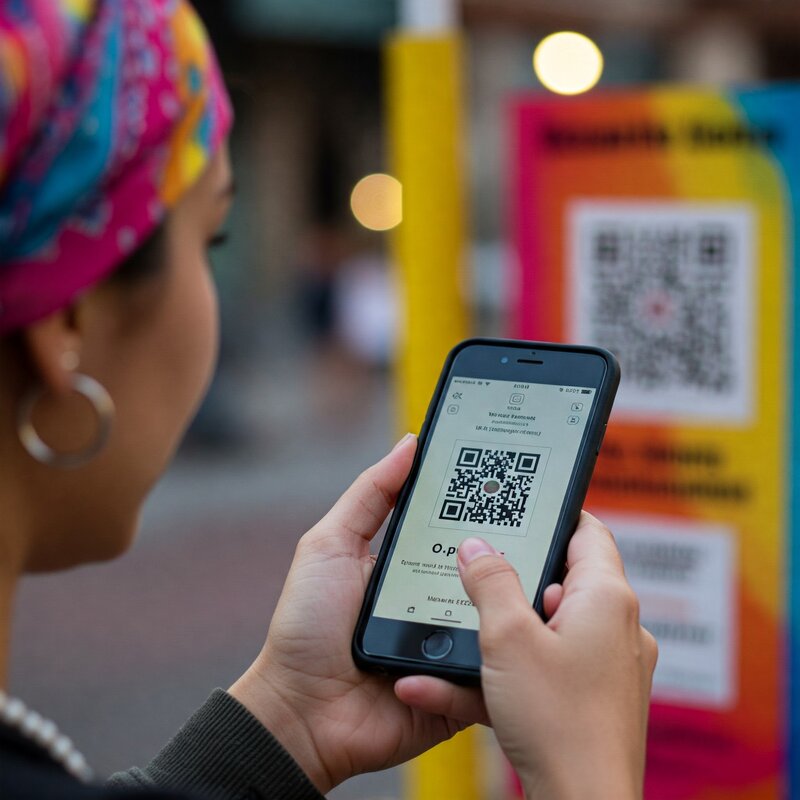
QR codes are everywhere—from product packaging to restaurant menus and even bus stops. But have you ever wondered how they actually work? In this article, we’ll break down the basics of QR codes, how they store information, and how your phone reads them.
What Is a QR Code?
QR stands for Quick Response. A QR code is a type of matrix barcode (or two-dimensional barcode) first designed in 1994 for the automotive industry in Japan. Unlike traditional barcodes that store information in a series of vertical lines, QR codes store data in both horizontal and vertical directions, allowing them to hold much more information.
A QR code typically looks like a square made up of black squares and dots arranged on a white background.
How Do QR Codes Store Information?
The black and white pattern inside a QR code encodes data using binary code (the language of 1s and 0s). Each tiny square in the grid is either black or white, representing a bit of information.
Here’s how the structure is organized:
- Position markers: The three big squares in the corners help scanners determine the orientation of the QR code.
- Alignment markers: Smaller squares help with distortion correction if the code is on a curved or angled surface.
- Timing patterns: These help the scanner determine the width of the data modules.
- Data area: This part stores the actual information.
- Error correction: QR codes include built-in error correction (like a digital spellchecker), so they still work even if part of the code is smudged or damaged.
How Do Smartphones Read QR Codes?
When you point your phone’s camera at a QR code, here’s what happens:
- Detection: The camera identifies the three position markers to figure out where the code starts and ends.
- Decoding: The phone’s software analyzes the pattern of black and white squares and translates them into binary.
- Interpretation: The binary data is then converted into readable information—like a URL, contact details, or text.
Most modern smartphones can scan QR codes directly using the built-in camera app—no special app needed.
What Can QR Codes Be Used For?
QR codes are incredibly versatile. Common uses include:
- Opening websites or app download links
- Making contactless payments
- Sharing Wi-Fi credentials
- Viewing restaurant menus
- Tracking packages
- Logging into websites
- Authenticating logins
Are QR Codes Safe?
QR codes themselves are not inherently dangerous—they just store data. However, malicious users can embed harmful links into QR codes that lead to phishing websites or install malware. Always be cautious about scanning codes from unknown or untrusted sources.
Conclusion
QR codes work by storing information in a pattern of squares that can be quickly scanned and decoded by a camera. Thanks to their speed, convenience, and versatility, they’ve become a popular tool in both business and everyday life.
Whether you’re scanning one at a café or printing your own for a business card, knowing how they work helps you use them smarter and more safely.
 Answer Shelf
Leave a comment